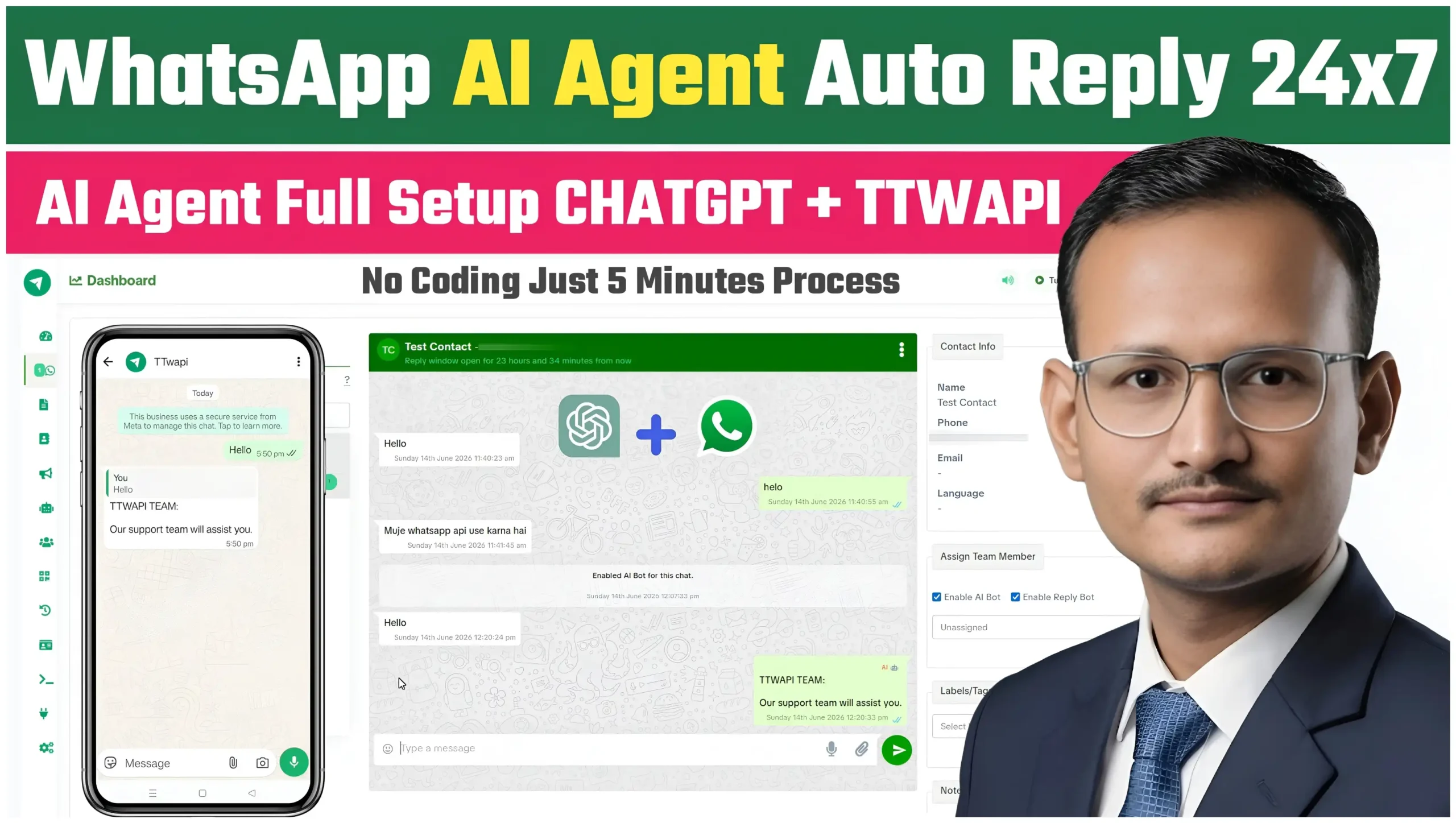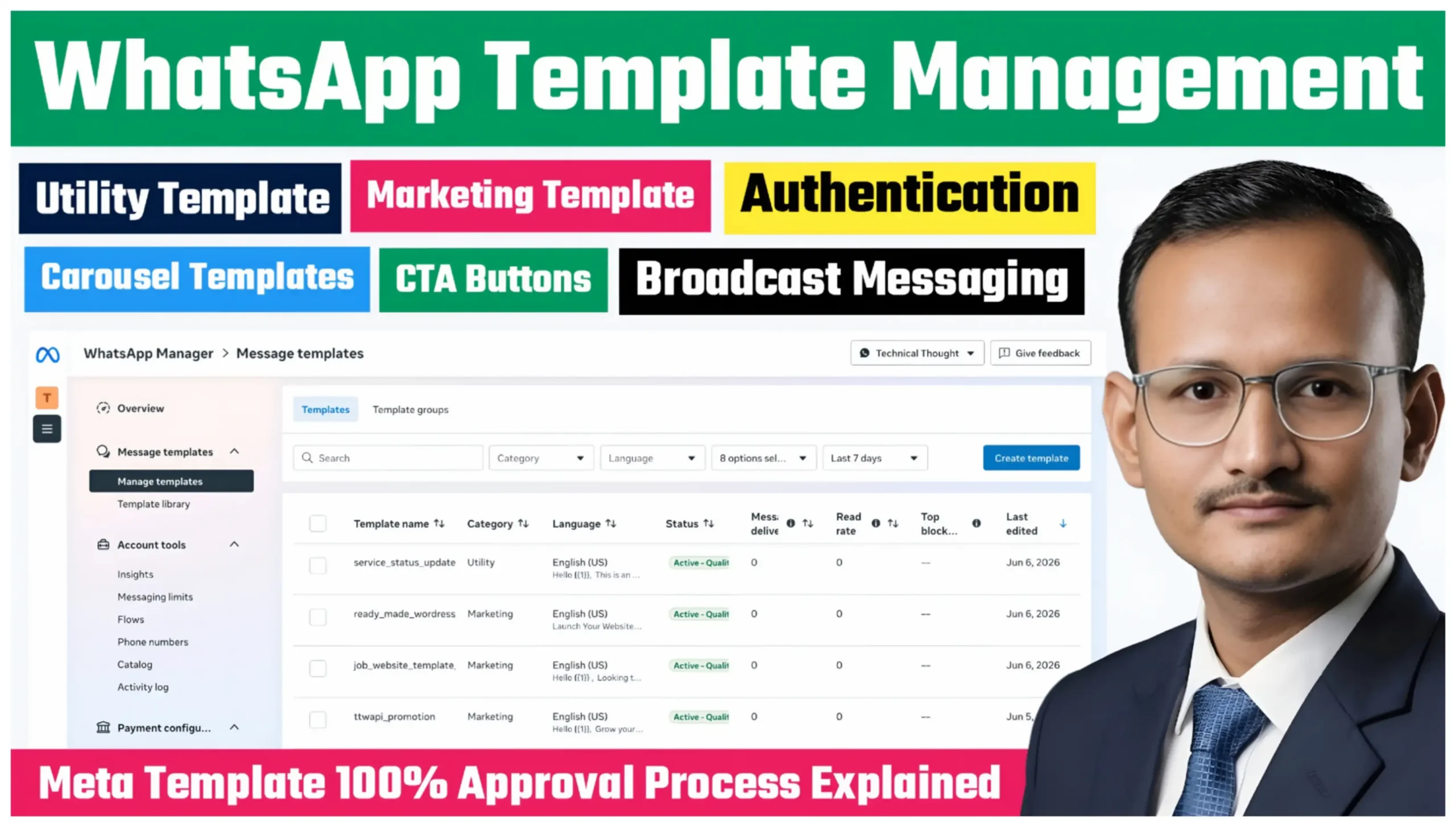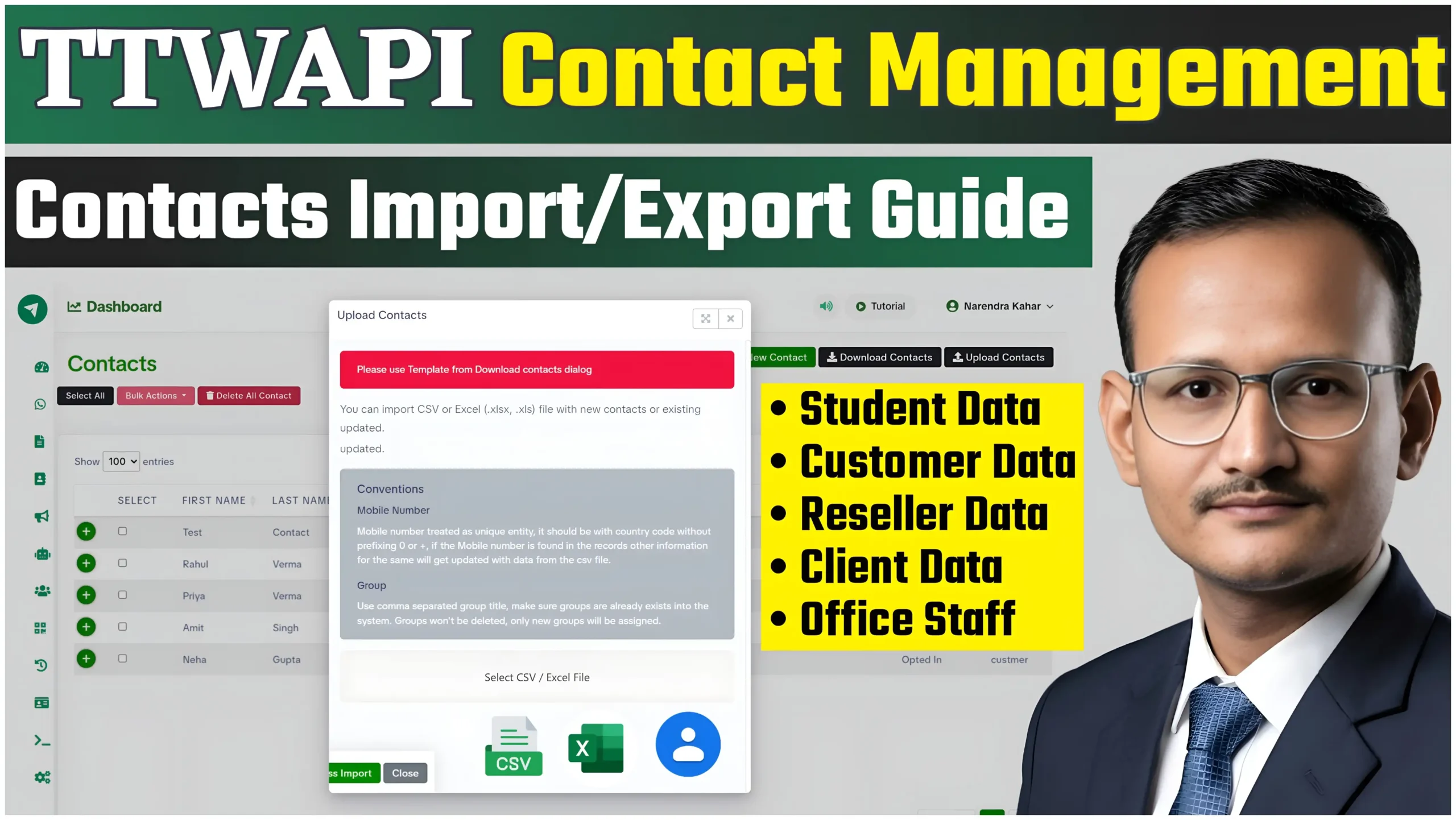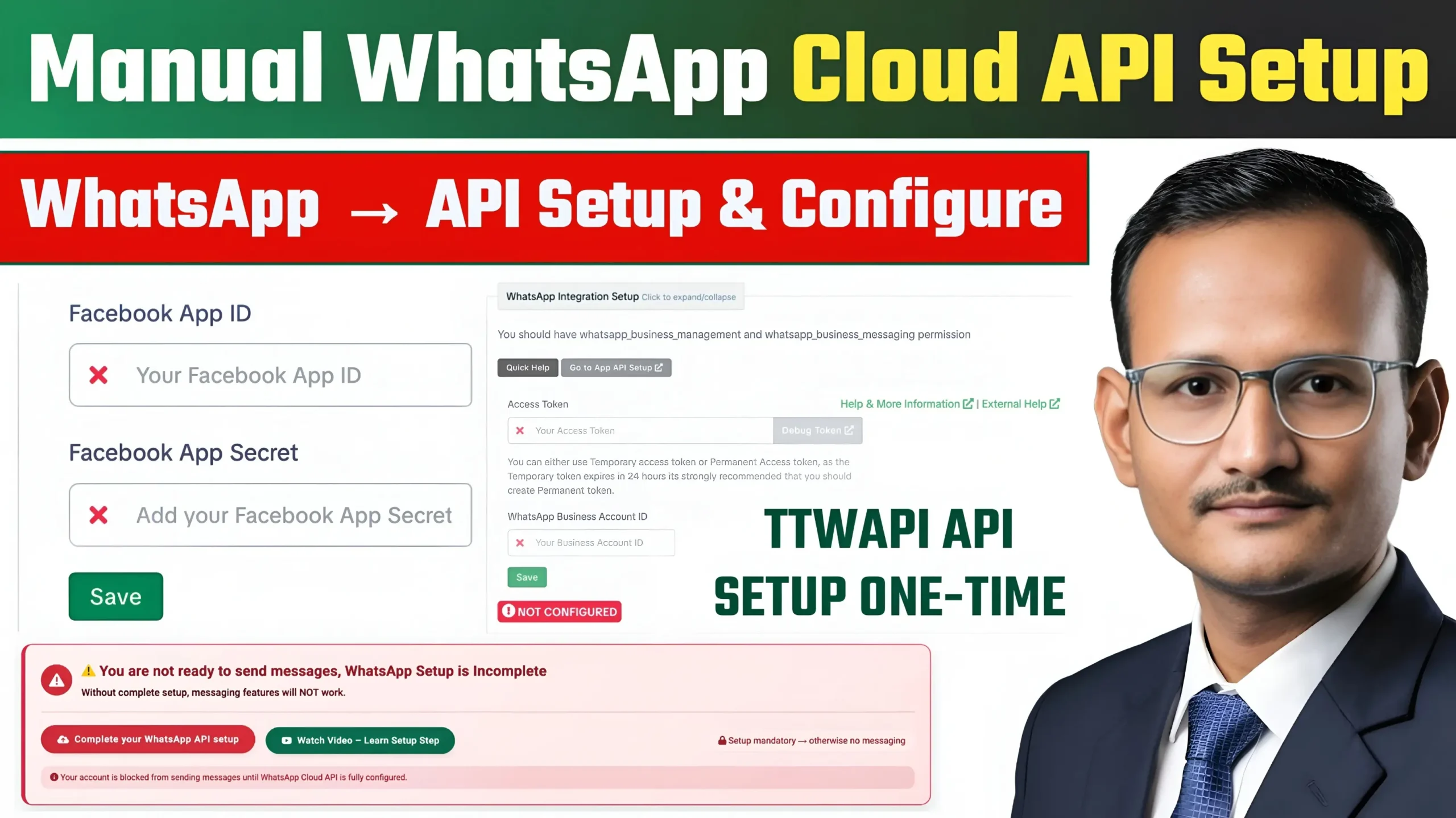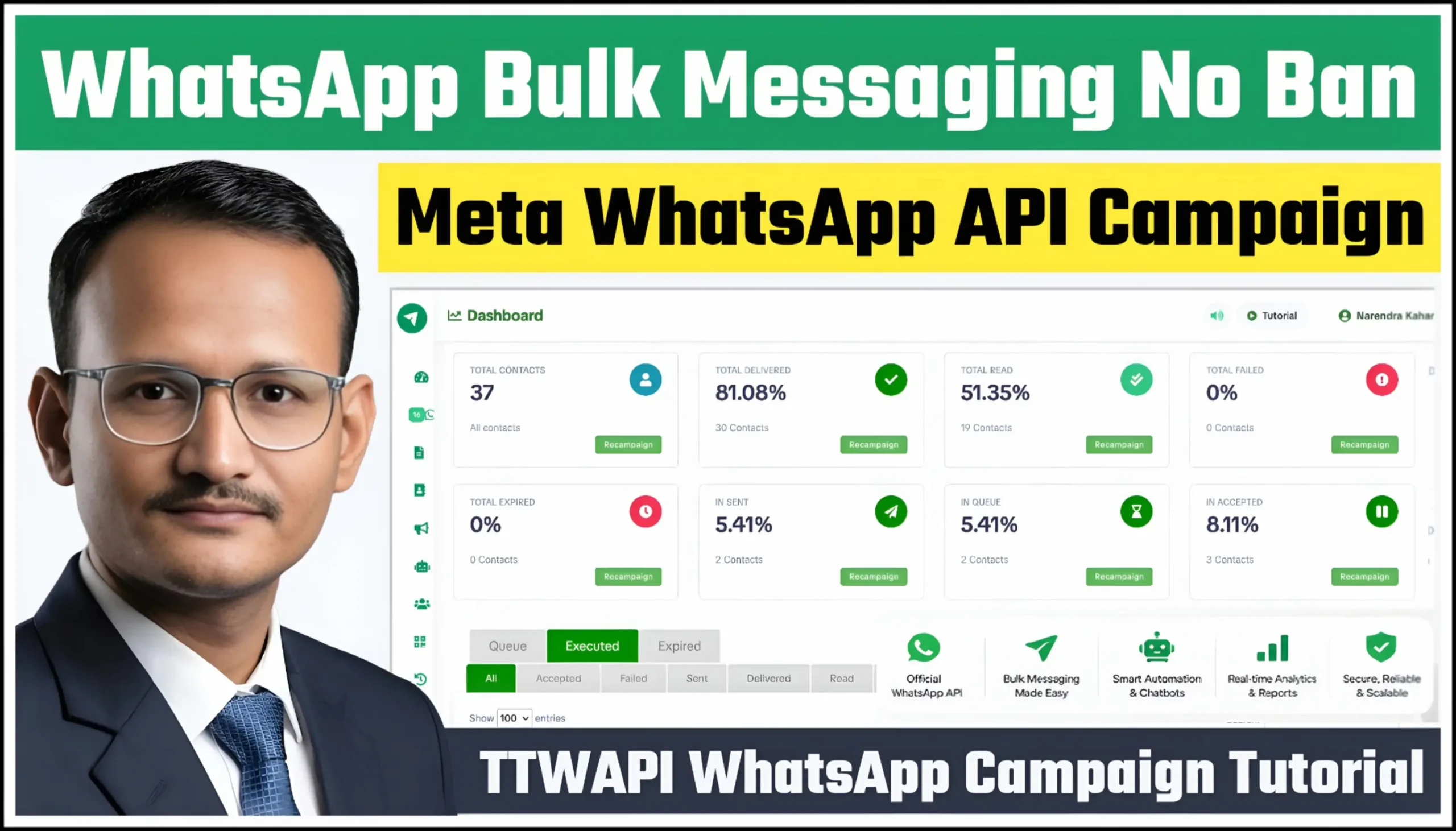
TTWAPI WhatsApp Marketing Campaign Tutorial: Delivered, Read, Queue & Failed Status Explained So WhatsApp marketing has become one of the most effective ways for businesses to engage with customers, generate leads, and improve customer communication. With the TTWAPI Campaign Module, businesses can create, manage, and track WhatsApp campaigns using powerful analytics and delivery reporting features.
Full Video Tutorial
Watch Video : WhatsApp Marketing Bulk Campaign | TTWAPI Campaign Management
In this tutorial, you’ll learn how campaign delivery statuses work in TTWAPI and how to understand metrics such as Delivered, Read, Sent, Queue, Accepted, Failed, and Expired.
What is the TTWAPI WhatsApp Marketing Campaign Module?
TTWAPI provides a complete WhatsApp marketing and automation platform that enables businesses to:
- Send WhatsApp campaigns
- Manage contact lists
- Track campaign performance
- Monitor delivery reports
- Automate customer communication
- Improve engagement rates
The campaign dashboard gives detailed insights into message delivery and customer engagement.
Also Read : Auto Reply Bot Flow Builder
Understanding Campaign Statuses in TTWAPI
Delivered
Delivered means the message has successfully reached the recipient’s WhatsApp account.
A high delivery rate indicates:
- Good contact quality
- Active WhatsApp users
- Healthy campaign performance
Read
Read means the recipient has opened and viewed your message.
This metric helps measure:
- Customer engagement
- Campaign effectiveness
- Content performance
Sent
Sent indicates that TTWAPI has successfully submitted the message to Meta WhatsApp Business API and the message is being processed.
Queue
Queue means messages are waiting to be processed.
Common reasons include:
- Large campaign volume
- Temporary processing delays
- High messaging traffic
Queued messages are usually processed automatically.
Accepted
Accepted means Meta has accepted the message request and delivery processing has started.
Failed
Failed indicates the message could not be delivered.
Possible reasons:
- Invalid phone number
- User not registered on WhatsApp
- Messaging restrictions
- Template issues
- Contact quality problems
Expired
Expired means the message could not be delivered within the allowed delivery window.
Healthy Ecosystem Engagement Error Explained
Many users see the following message:
“This message was not delivered to maintain healthy ecosystem engagement.”
This is a Meta platform protection mechanism.
Possible reasons include:
- Low user engagement
- Poor contact quality
- High block rates
- Sending messages to inactive users
- Excessive promotional campaigns
How to Improve Campaign Delivery Rates
Use Verified Opt-In Contacts
Always send campaigns to users who have agreed to receive messages.
Maintain Clean Contact Lists
Remove inactive, invalid, and unengaged contacts regularly.
Create Targeted Campaigns
Segment contacts into groups and send relevant messages.
Use Contact Management Features
TTWAPI allows businesses to:
- Import contacts
- Export contacts
- Create contact groups
- Use custom fields
- Organize customer data
Better contact management leads to better delivery rates.
Monitor Campaign Analytics
Track:
- Total Contacts
- Delivered Rate
- Read Rate
- Queue Messages
- Failed Messages
- Expired Messages
- Engagement Rate
Regular analysis helps optimize future campaigns.
TTWAPI Campaign Reporting Benefits
The TTWAPI Campaign Dashboard provides:
- Real-time delivery reports
- Campaign analytics
- Read tracking
- Delivery monitoring
- Contact segmentation
- Bulk messaging support
- Performance insights
These features help businesses improve customer communication and maximize campaign effectiveness.
Conclusion
The TTWAPI Campaign Module makes WhatsApp marketing simple by providing detailed campaign analytics, delivery tracking, and engagement monitoring. Understanding statuses such as Delivered, Read, Queue, Accepted, Failed, and Expired helps businesses improve campaign performance and achieve better results.
By maintaining quality contacts, following Meta policies, and monitoring analytics regularly, businesses can significantly improve WhatsApp marketing success using TTWAPI.