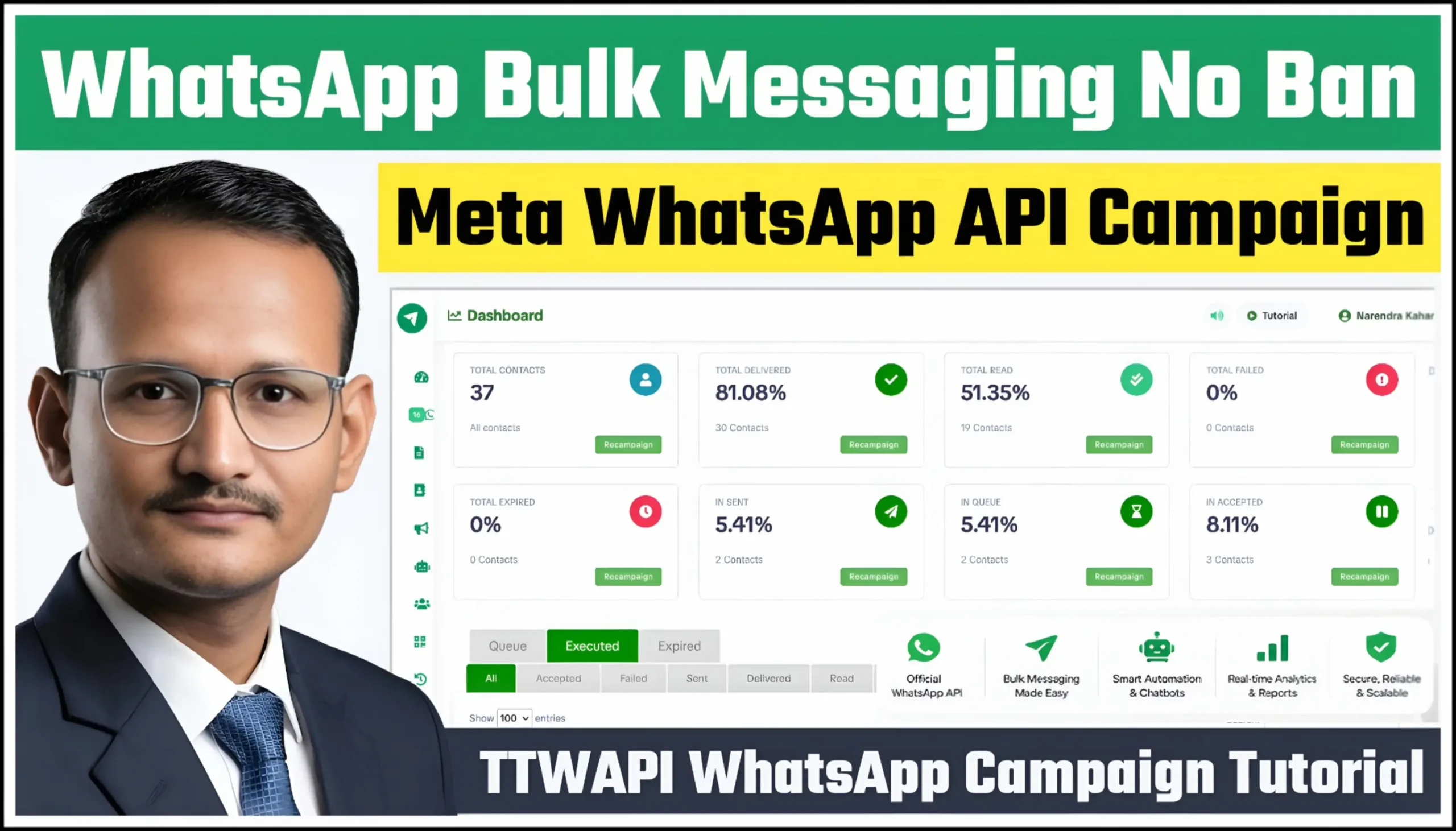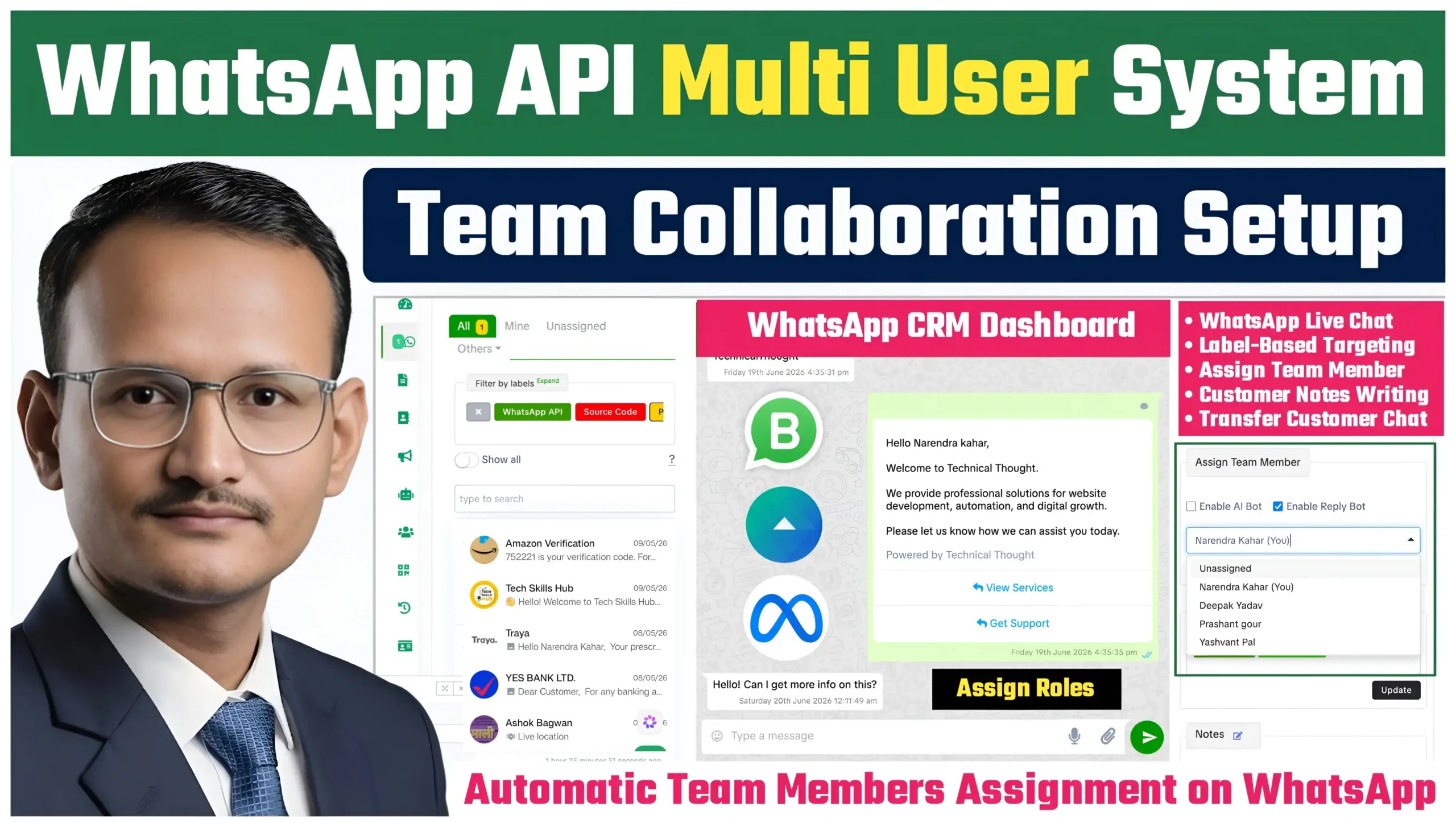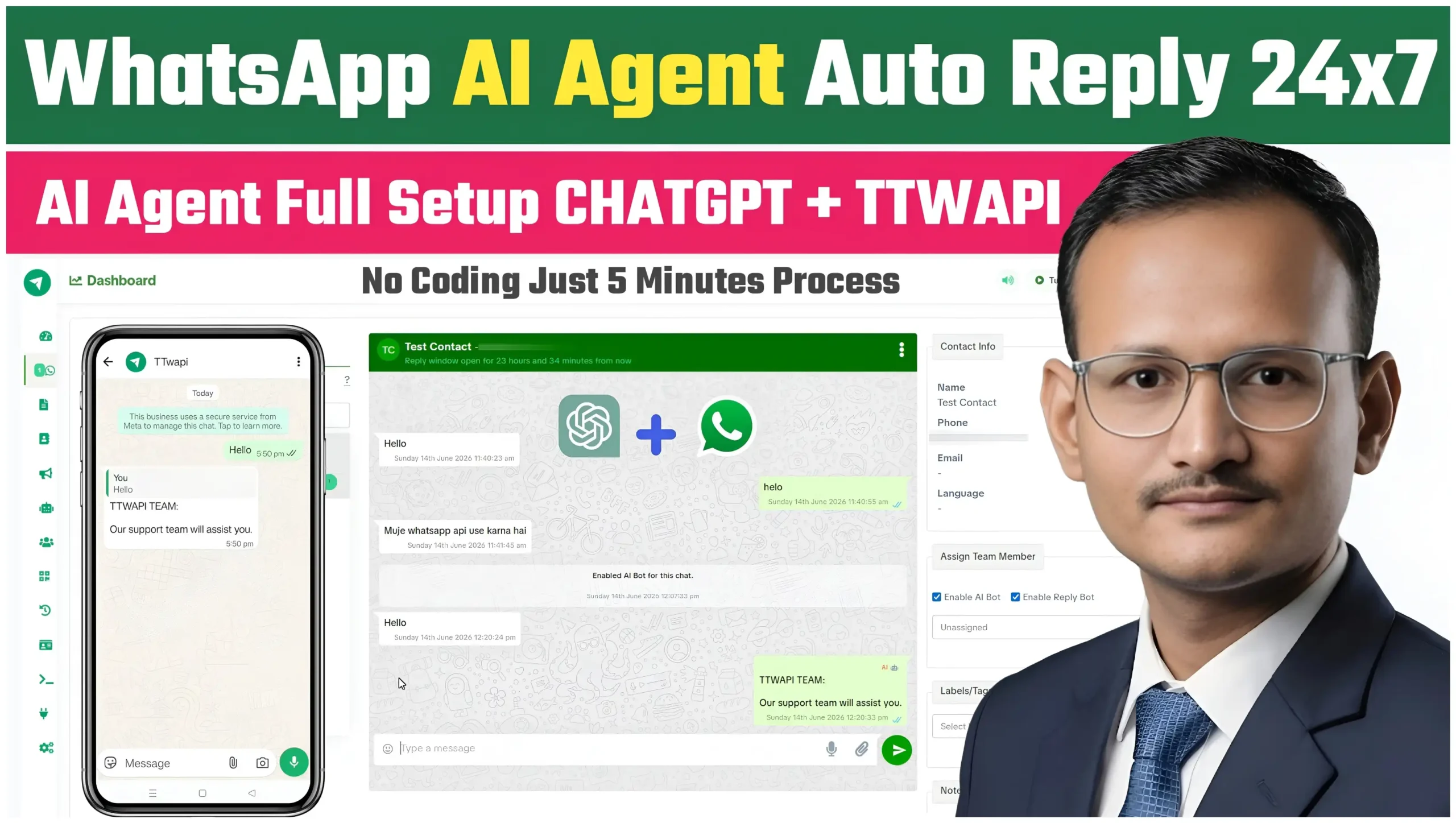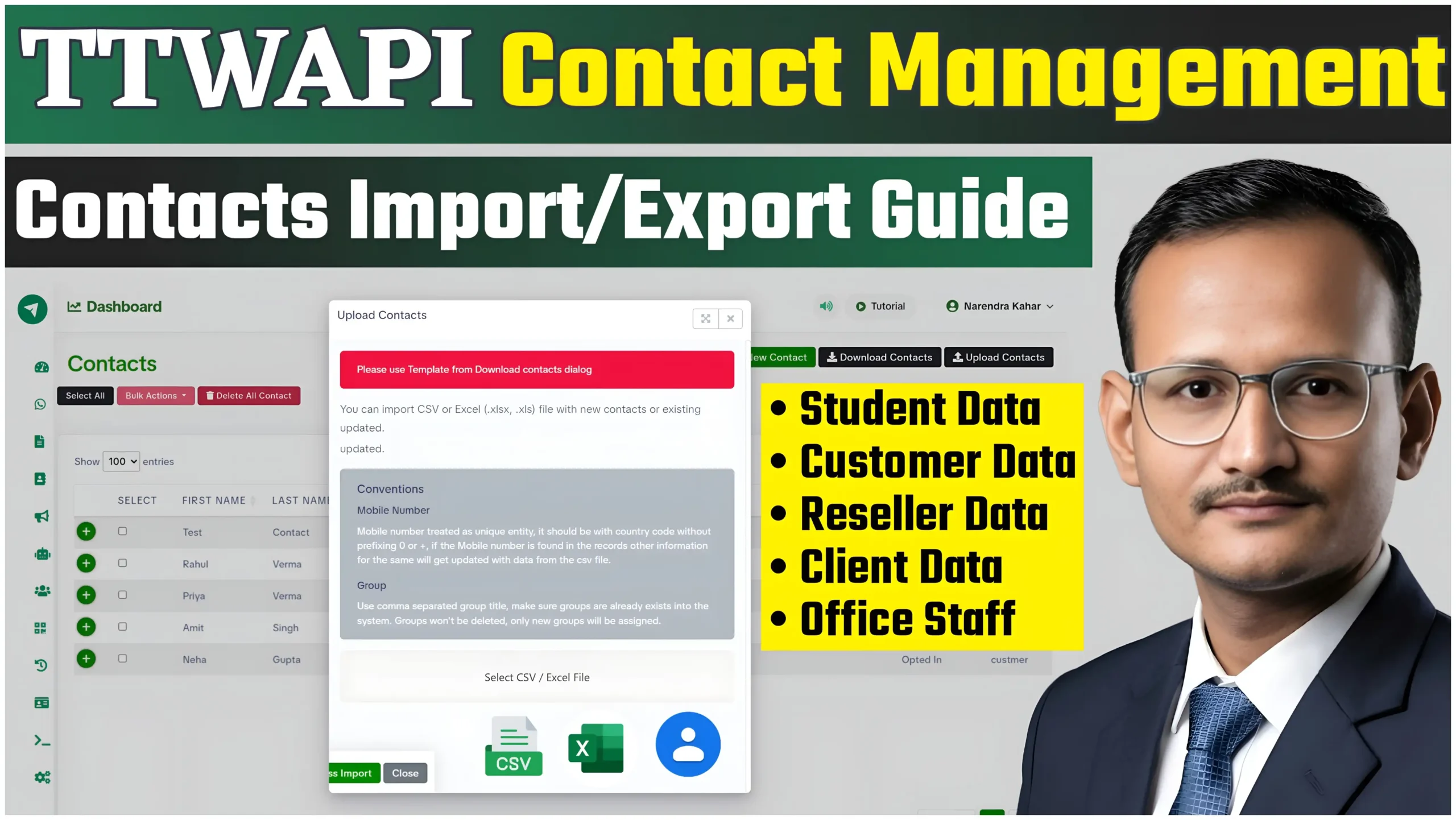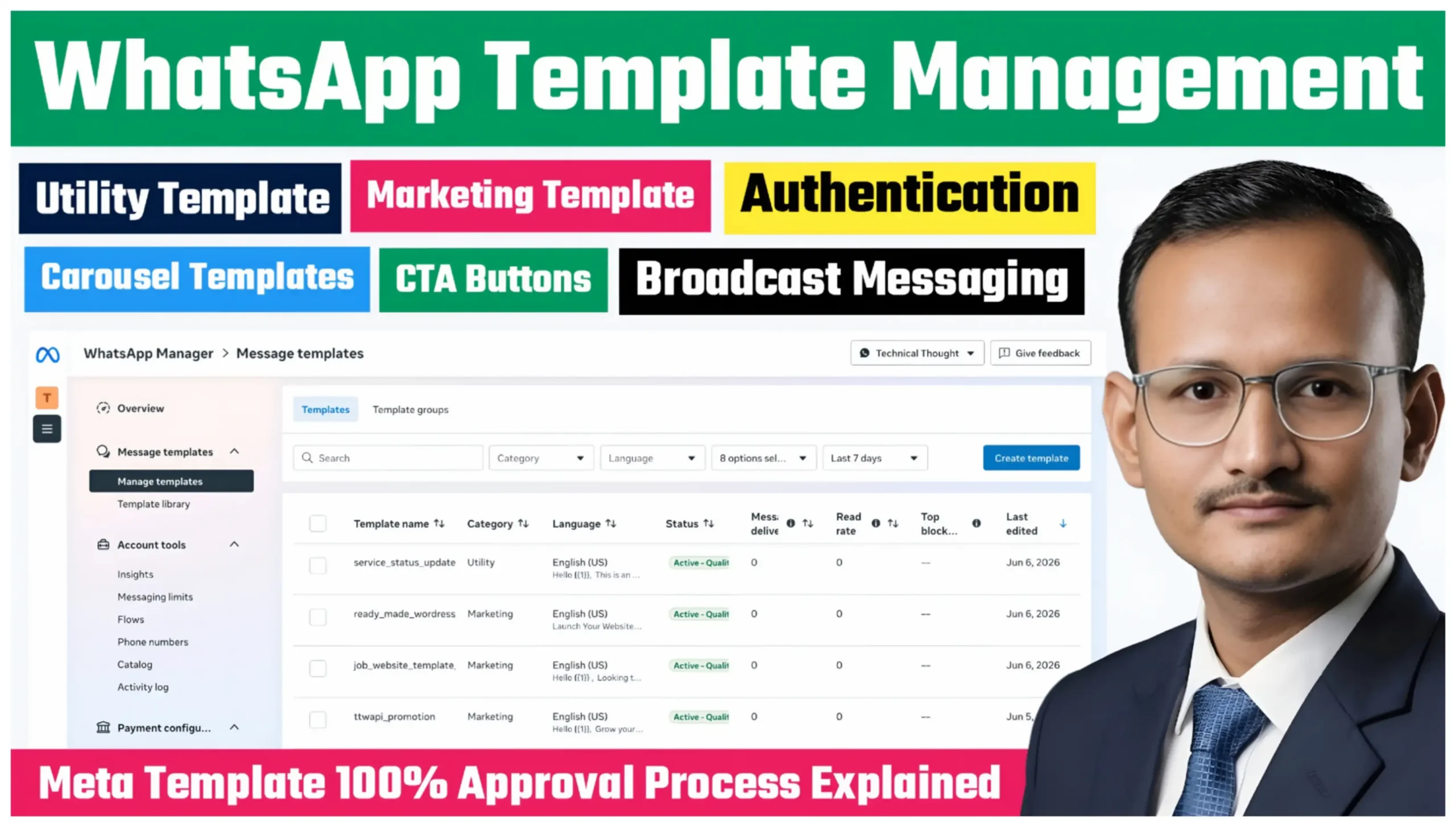
WhatsApp Business API has become one of the most powerful communication channels for businesses. Whether you want Template Management to send order updates, promotional offers, OTP verification messages, or interactive product catalogs, approved WhatsApp Templates are essential.
Full Video Tutorial
Watch Video : Meta Template Management Full Guide | Utility, Marketing, Authentication & Carousel Templates
TTWAPI provides a secure, seamless, and fully integrated Template Management system that allows businesses to create, edit, manage, and send Meta-approved WhatsApp templates from a single dashboard.
In this guide, we’ll explain everything you need to know about Template Management in TTWAPI.
What is WhatsApp Template Management?
Template Management is a feature that allows businesses to create pre-approved message templates for communication with customers.
Every template is reviewed by Meta before it can be used for broadcasting or customer conversations.
With TTWAPI, you can manage all your templates from one easy-to-use dashboard.
Types of WhatsApp Templates
1. Utility Templates
Utility Templates are designed for transactional and customer service messages.
Common Examples
- Order Confirmation
- Shipping Updates
- Payment Confirmation
- Appointment Reminder
- Delivery Status
- Invoice Notification
These templates improve customer experience by providing important updates automatically.
2. Marketing Templates
Marketing Templates help businesses promote products and services.
Common Examples
- Product Launch
- Festival Offers
- Discount Campaigns
- Limited Time Deals
- Customer Re-engagement
- Promotional Announcements
Marketing templates are ideal for increasing engagement and driving sales through WhatsApp.
3. Authentication Templates
Authentication Templates are specifically designed for secure verification messages.
Common Examples
- OTP Verification
- Login Codes
- Account Security Alerts
- Password Reset Codes
- Two-Factor Authentication
These templates ensure fast and secure user authentication.
4. Carousel Templates
Carousel Templates provide a rich interactive messaging experience by displaying multiple cards in a single WhatsApp message.
Each card can include:
- Image
- Video
- Product Information
- Description
- CTA Button
- Website Button
- Call Button
Carousel Templates are perfect for showcasing multiple products or services in one conversation.
TTWAPI Template Management Features
TTWAPI offers a complete enterprise-grade Template Management solution.
Features Include
- Create New Templates
- Edit Existing Templates
- Submit for Meta Approval
- Manage Template Status
- Multi-Language Support
- Media Header Support
- Dynamic Variables
- Button Configuration
- Quick Reply Buttons
- URL Buttons
- Call Buttons
- Carousel Media Support
- Secure Dashboard
- Campaign Integration
- Bulk Broadcast Compatibility
How to Create a WhatsApp Template in TTWAPI
Step 1
Login to your TTWAPI Dashboard.
Step 2
Open Template Management.
Step 3
Click “Create New Template.”
Step 4
Select Template Category:
- Utility
- Marketing
- Authentication
Step 5
Add Template Name and Language.
Step 6
Configure:
- Header
- Body
- Footer
- Variables
- Buttons
Step 7
Submit the template for Meta Approval.
Creating a Carousel Template
Creating a Carousel Template is simple inside TTWAPI.
You can add multiple interactive cards with:
- Product Images
- Titles
- Descriptions
- Website Links
- Call Buttons
- CTA Buttons
This helps businesses showcase multiple products in a single WhatsApp message.
Best Practices for Faster Meta Approval
To improve approval chances:
- Use clear and professional language
- Avoid misleading promotions
- Keep variables properly formatted
- Use relevant media files
- Follow Meta messaging guidelines
- Avoid excessive capitalization or spammy content
Following these practices increases the likelihood of successful template approval.
Benefits of TTWAPI Template Management
Using TTWAPI provides several advantages:
- Centralized Template Management
- Faster Campaign Creation
- Professional WhatsApp Marketing
- Better Customer Engagement
- Interactive Carousel Messaging
- Secure Business Communication
- Easy Bulk Broadcasting
- Enterprise-Level Dashboard Experience
Why Businesses Choose TTWAPI
Businesses need reliable automation and messaging tools that simplify communication.
TTWAPI provides an easy-to-use interface, powerful template management capabilities, and seamless WhatsApp Business API integration, making it an ideal solution for startups, agencies, enterprises, and digital marketers.
Conclusion
TTWAPI makes WhatsApp Template Management simple, secure, and scalable.
Whether you need Utility Templates for customer updates, Marketing Templates for promotions, Authentication Templates for OTP verification, or Carousel Templates for rich interactive campaigns, TTWAPI provides everything you need from one integrated dashboard.
Start creating Meta-approved WhatsApp Templates today and deliver professional customer communication with confidence.