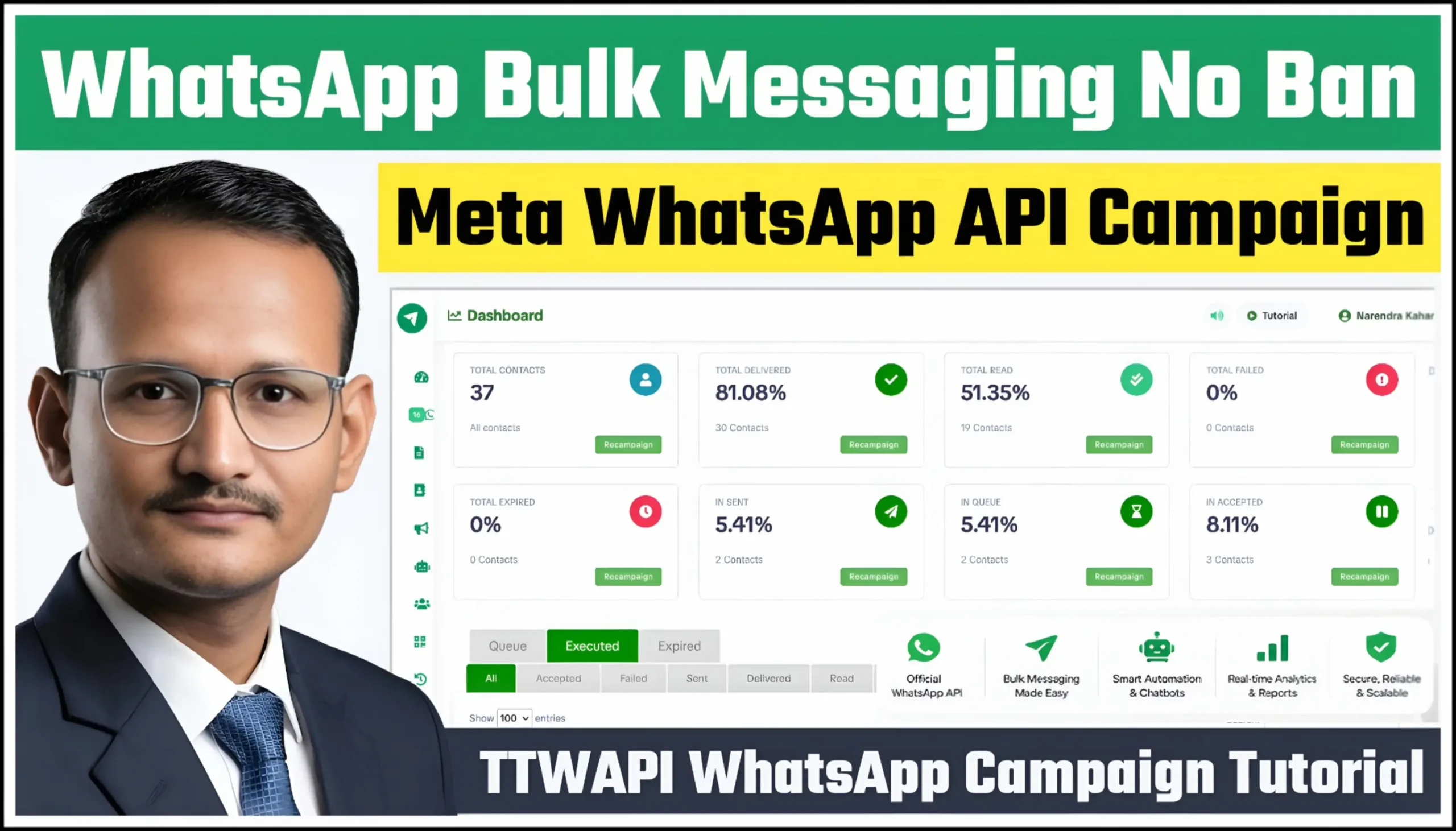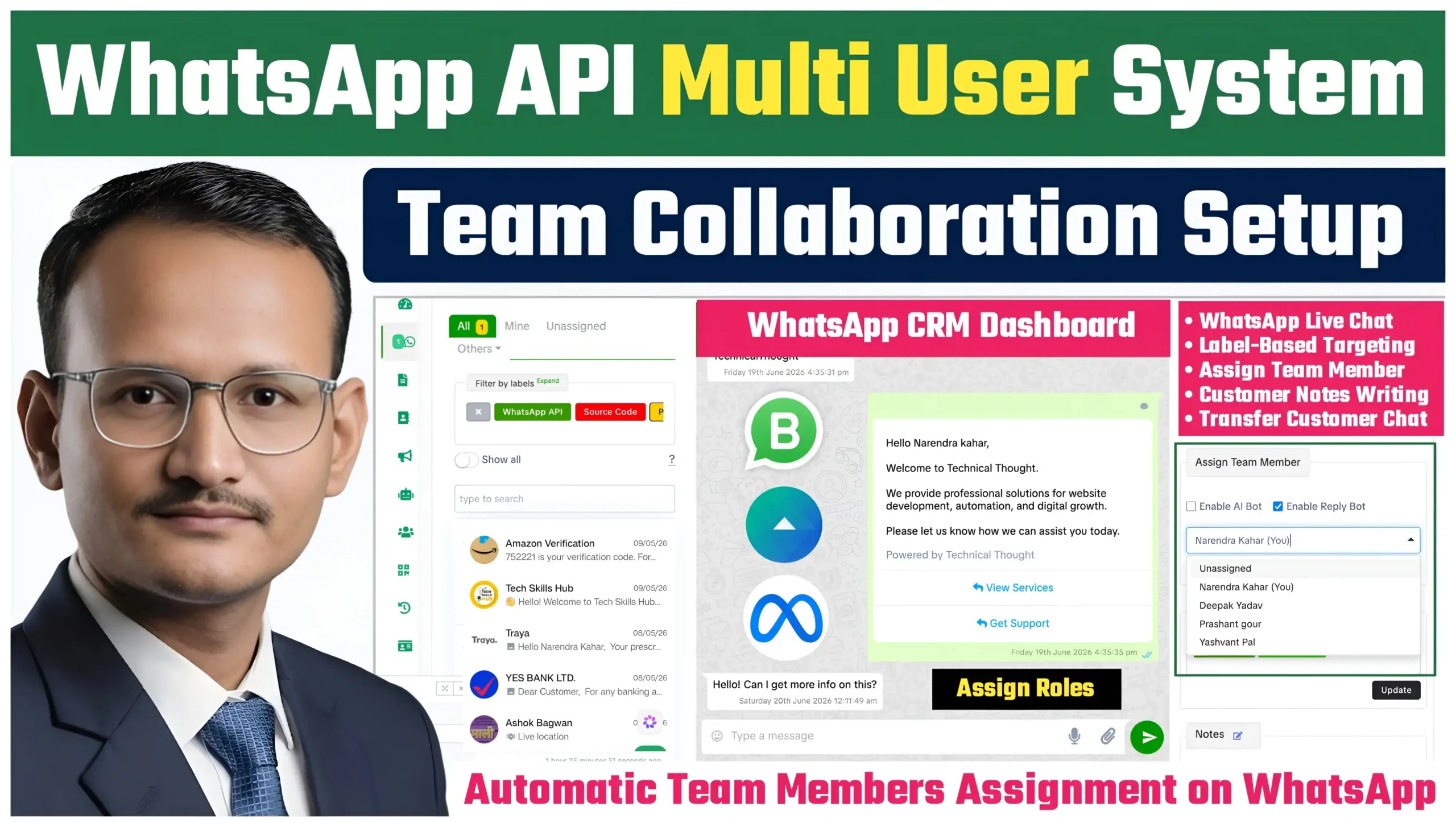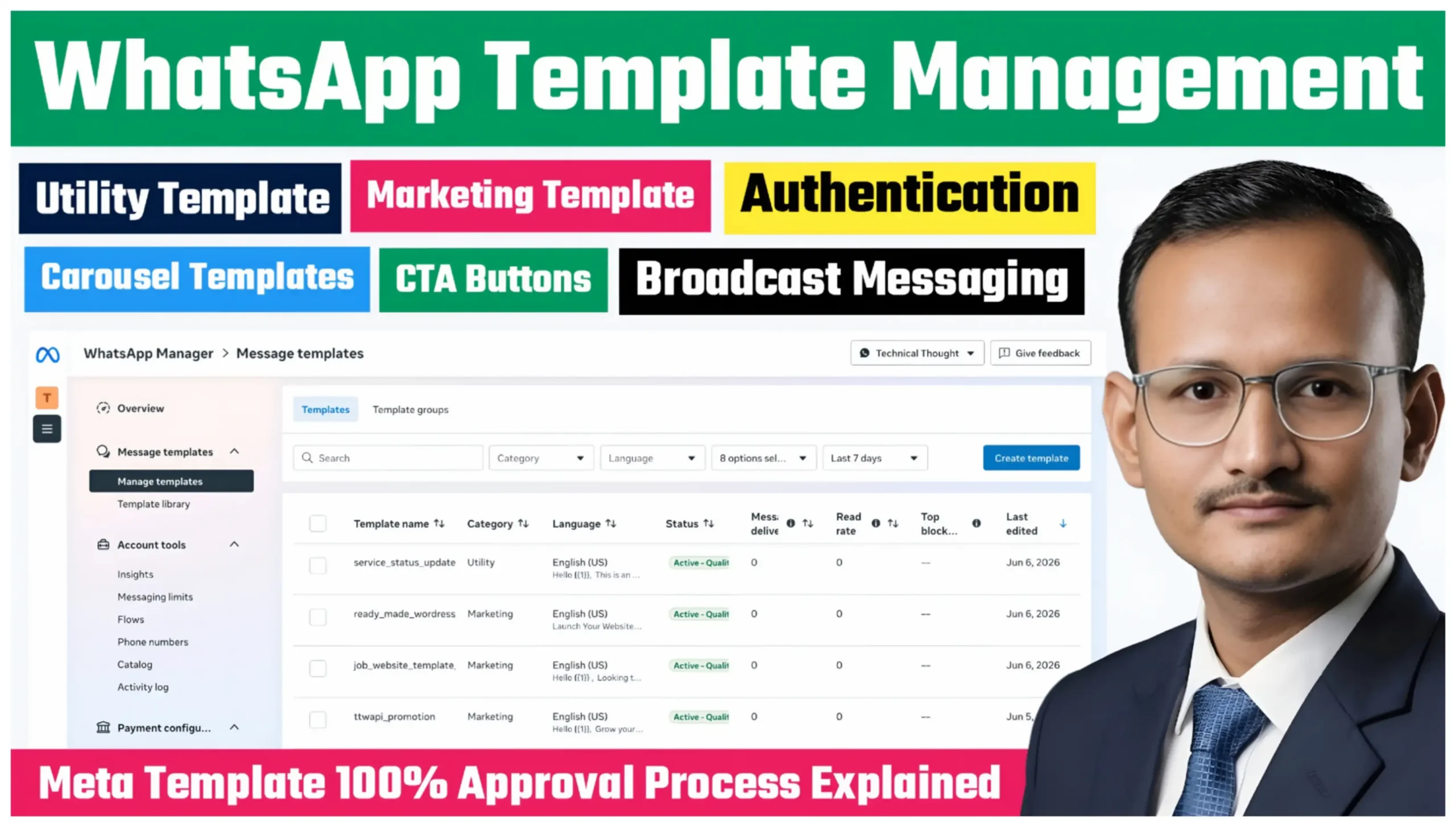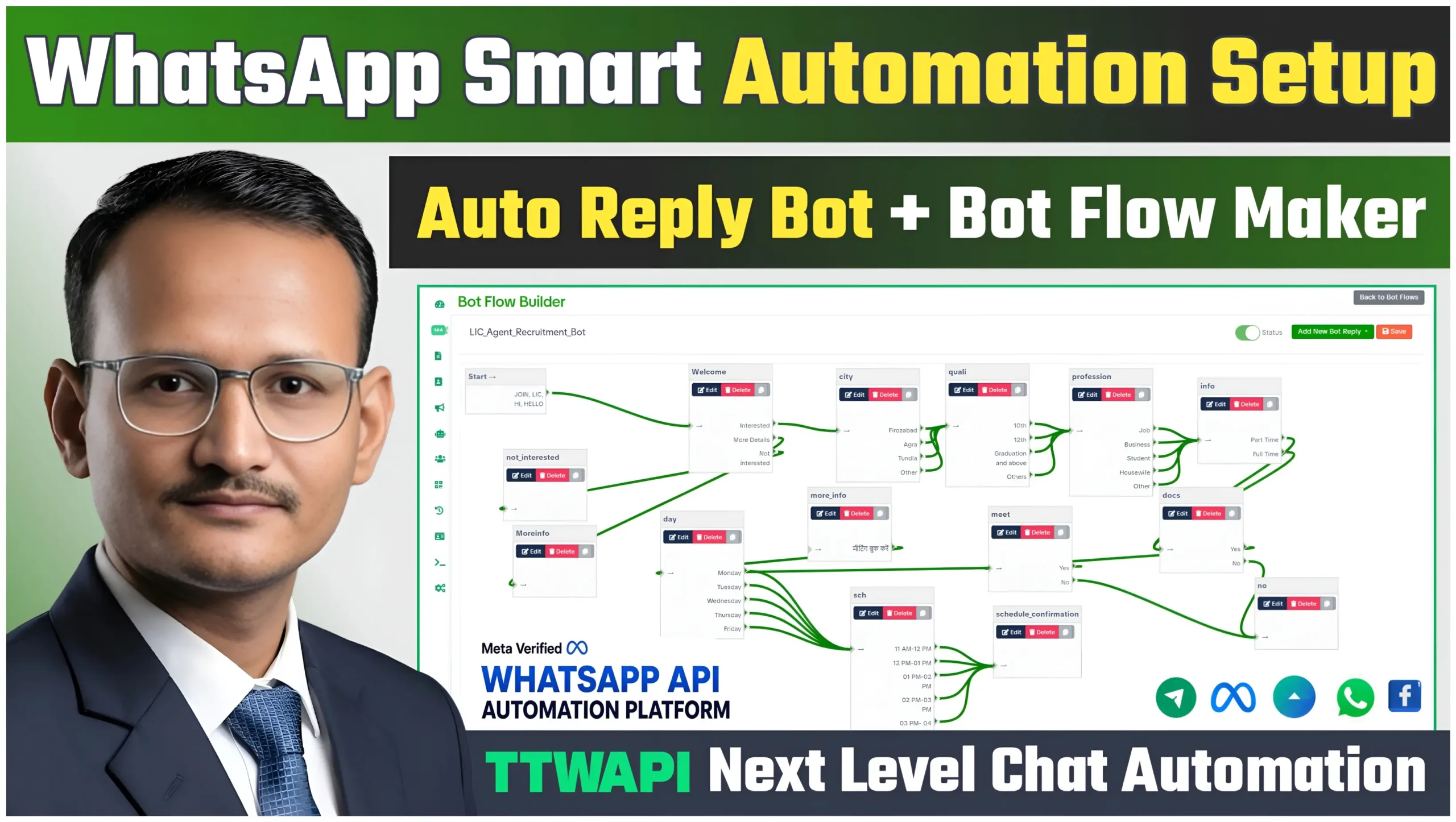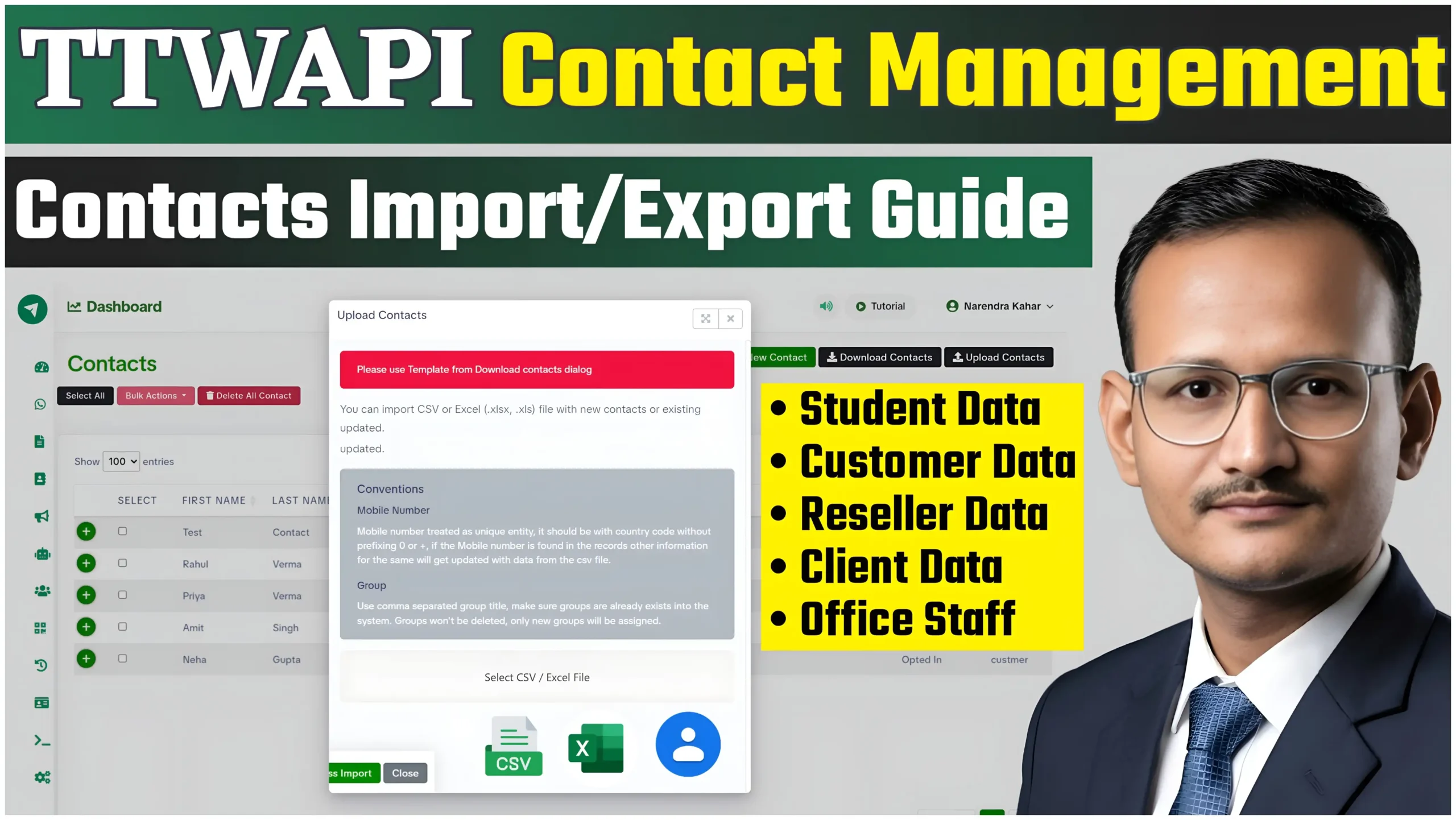
If you want to use the WhatsApp Cloud API for automation, chatbot workflows, bulk messaging, then the first step is creating a Facebook Business Portfolio and connecting it with a professional automation platform like TTWAPI.
In this complete step-by-step guide, you will learn how to create a Meta Business Portfolio, set up WhatsApp Business API, generate a permanent access token, and connect everything with TTWAPI for advanced WhatsApp automation.
Watch Full Video Tutorial
Watch – How To Create Facebook Business Portfolio For WhatsApp API & Connect With TTWAPI platform
What Is Facebook Business Portfolio?
Facebook Business Portfolio (formerly Meta Business Manager) is a centralized dashboard provided by Meta that helps businesses manage:
Also Read –
- Facebook Pages
- WhatsApp Business API
- Instagram Accounts
- Apps & Developers
- Ad Accounts
- Business Verification
- API Access & Permissions
It is required if you want to use WhatsApp Cloud API professionally.
Why Use WhatsApp API With TTWAPI?
TTWAPI helps businesses automate customer communication using WhatsApp Cloud API.
With TTWAPI you can:
- Send Bulk WhatsApp Messages
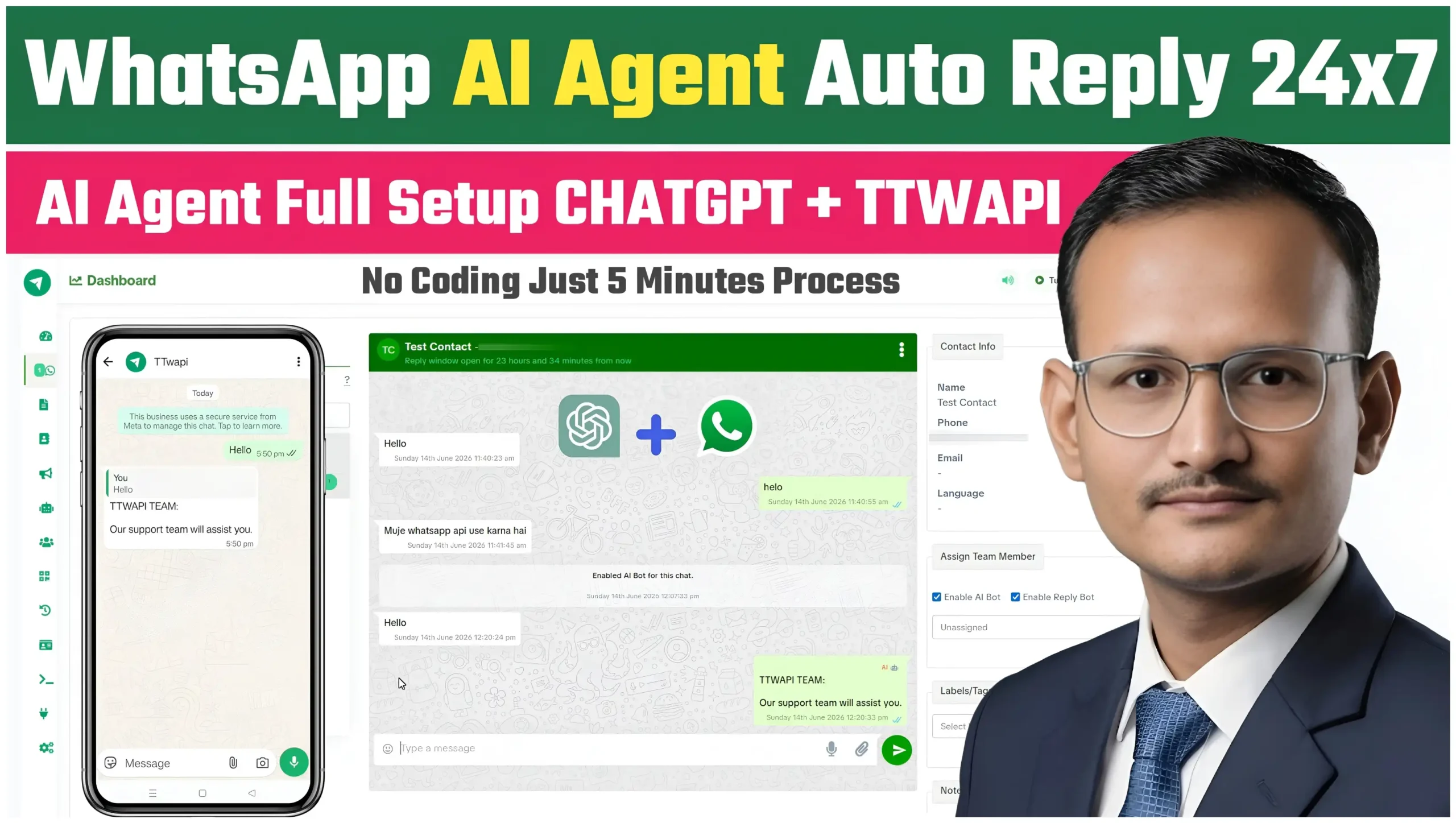
- Create Chatbot Automation
- Build Workflow Automation
- Manage Contacts & Campaigns
- Connect APIs & Webhooks
- Run Marketing Campaigns
- Handle Business Communication Professionally
Step 1: Create Facebook Business Portfolio
Open Meta Business Website
Go to Meta Business Manager and click on:
Create Business Portfolio
Now enter:
- Business Name
- Your Name
- Business Email
Click Submit.
Step 2: Verify Your Business
Business verification helps unlock advanced WhatsApp API features.
Required Documents
You may need:
- GST Certificate
- Business Registration
- Utility Bill
- Domain Verification
- Business Email
After submission, Meta usually reviews the verification request within a few days.
Step 3: Create Meta Developer App
Now open Meta Developers dashboard.
Create App
Select:
- Business App
Then add:
- App Name
- Business Portfolio
- Contact Email
After creating the app, add:
WhatsApp Product
Step 4: Setup WhatsApp Cloud API
Inside your Meta App dashboard:
- Open WhatsApp → API Setup
- Add a phone number
- Verify OTP
- Select your business account
Now Meta will generate:
- Temporary Access Token
- Phone Number ID
- WhatsApp Business Account ID (WABA ID)
Save all details carefully.
Step 5: Generate Permanent Access Token
A permanent token is required for stable WhatsApp API integration.
Important Setup
You need:
- System User
- App Permissions
- Business Admin Access
Generate a permanent token with:
- whatsapp_business_management
- whatsapp_business_messaging
- business_management
permissions enabled.
Step 6: Connect WhatsApp API With TTWAPI
Now login to TTWAPI dashboard.
Add the following details:
- Permanent Access Token
- Phone Number ID
- WABA ID
- App ID
- App Secret
Click Connect API.
Your WhatsApp Cloud API is now successfully connected with TTWAPI.
Step 7: Setup Automation & Campaigns
After integration you can create:
WhatsApp Automation
- Auto Reply Bots
- Welcome Messages
- Order Notifications
- Lead Automation
- CRM Workflows
Bulk Messaging Campaigns
- Promotional Messages
- Offer Broadcasts
- Customer Updates
- Marketing Campaigns
Features Of TTWAPI
Professional WhatsApp Automation
TTWAPI provides:
- Workflow Builder
- Contact Management
- Campaign Analytics
- Webhook Integration
- Multi-Agent Support
- API Integration
- Chatbot Automation
- Bulk Messaging System
Important Meta Policy Guidelines
Always follow Meta & WhatsApp policies while using automation systems.
Avoid:
- Spam Messaging
- Unverified Promotions
- Policy Violations
- Fake User Data
Following Meta guidelines helps keep your API stable and secure.
Final Words
Using WhatsApp Cloud API with TTWAPI is one of the best ways to automate business communication professionally.
By creating a Facebook Business Portfolio and connecting your WhatsApp API correctly, you can build powerful automation workflows, chatbot systems, and bulk messaging campaigns for your business.
If you found this guide helpful, make sure to watch the full tutorial video and explore more WhatsApp API tutorials on TTWAPI.